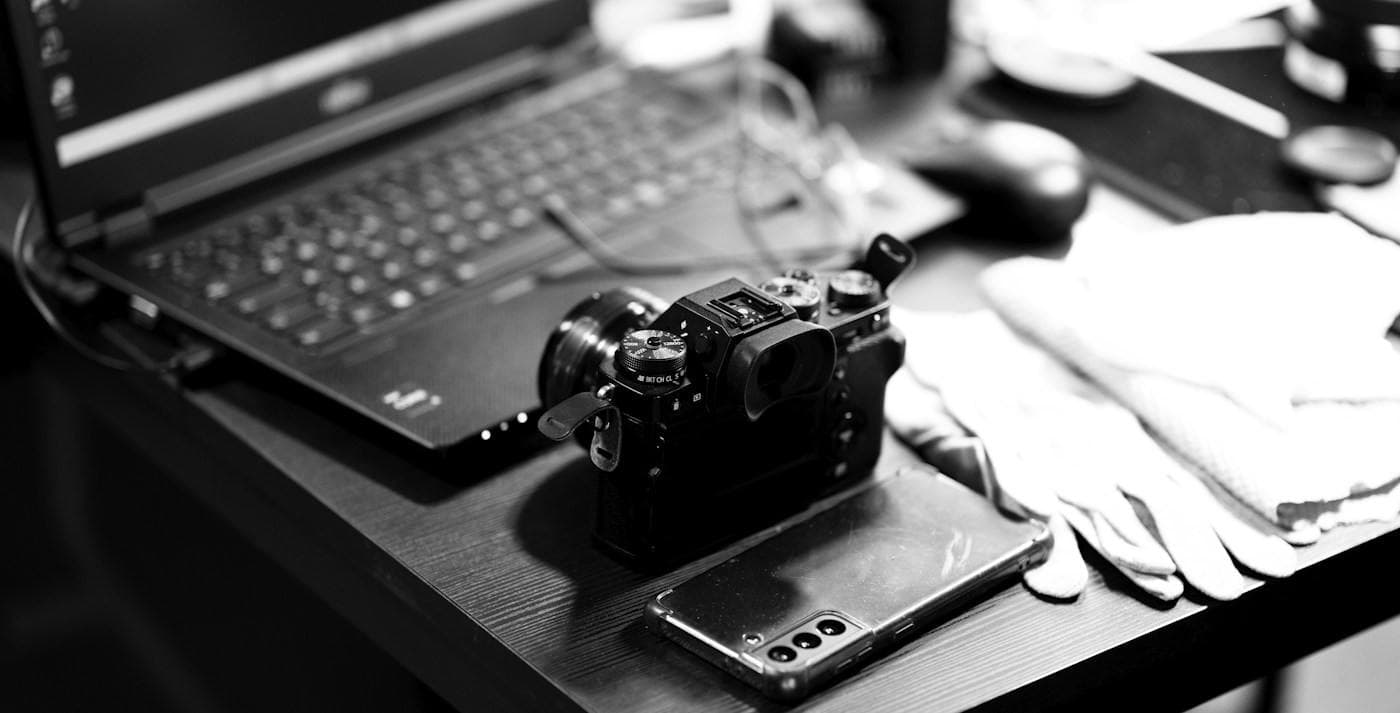
The flyer is beautiful. The phone number is wrong.
A tiny mistake gets a lot less tiny after 500 copies. Six things to check before you send “approved.”

“Approved” is a short word for a very final decision.
On a screen, a typo takes a minute to fix. On a stack of printed invitations, it becomes a much longer conversation.
A design can look completely finished while carrying the wrong venue, yesterday’s price or one missing digit. You’ve seen the layout so many times your eyes are reading what they expect.
Before approving, stop looking at it as a design. Read it as someone who needs to use the information.
1. Read the boring details out loud.
Names. Date. Day of the week. Time. Venue. Phone number. Compare each with the original information. For a formal invitation, ask the people named to approve their spelling.
A beautiful typeface cannot rescue an event that apparently happens on Friday the wrong date. Check the calendar.
2. Scan it. Tap it. Call it.
Test the QR code from another phone. Check that the website loads and the WhatsApp link reaches the right business.
Test at the intended printed size, ideally on a physical proof. Something that scans on a bright laptop screen may be harder to use on a small glossy card.
3. Agree what “A5, 500 copies” includes.
Confirm finished size, quantity, paper, weight, sides, coating and folding or finishing. For packaging, confirm the dieline with the printer. “The usual one” is a surprisingly flexible specification.
Confirm who supplies the final print file. A screenshot sent through a messaging app is not automatically the same thing as the original artwork.
4. Give the cutter some room.
Ask the printer for bleed, safe-area and export requirements. Keep important text away from the trim. Carry backgrounds to the required bleed area.
Products and suppliers can need different settings. Use the production specification for this job rather than a number you remember from another one.
5. Check colour and detail on something physical.
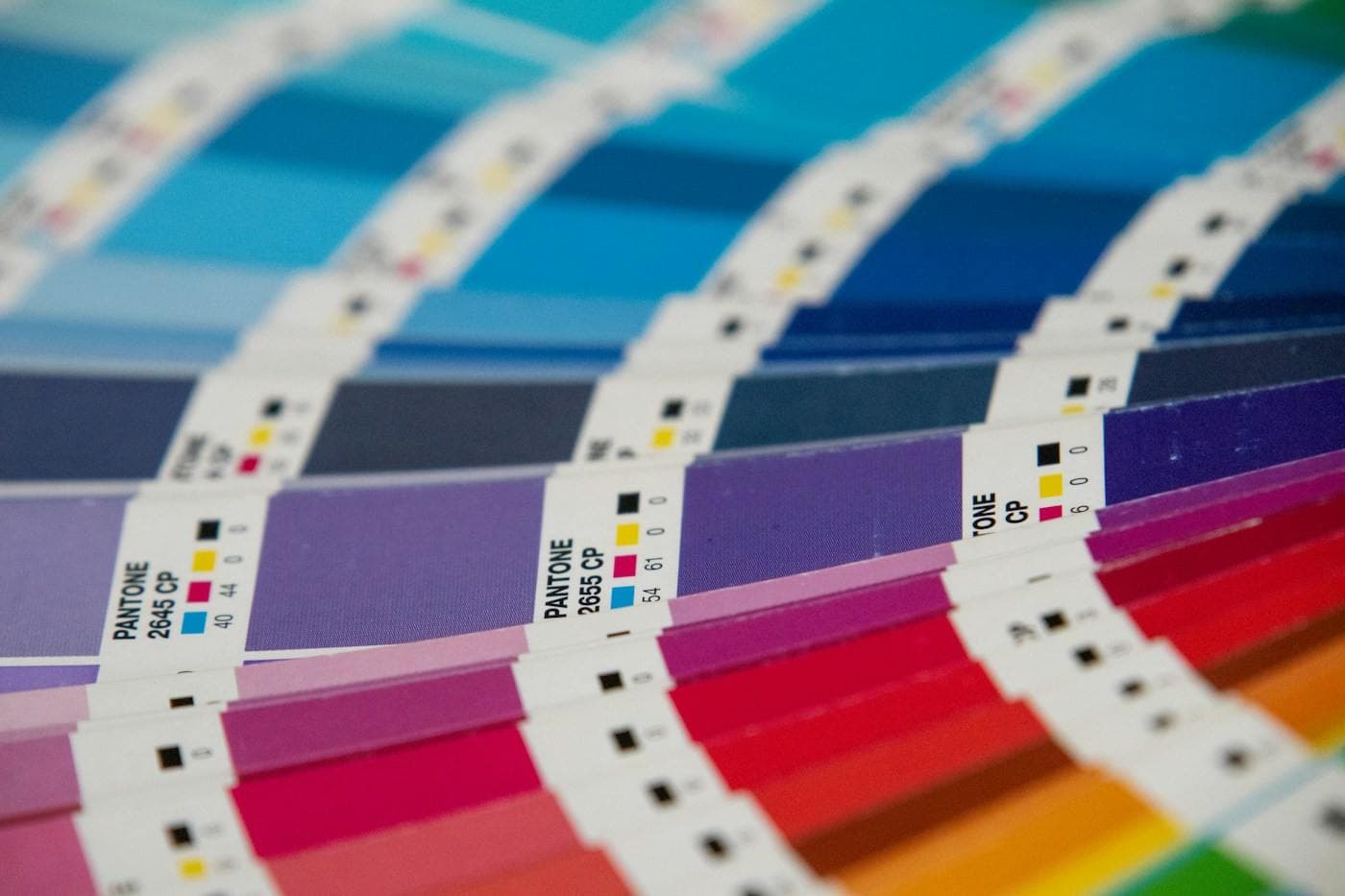
Screens glow. Paper reflects. Fabric behaves differently again. If colour matters, ask about a physical proof or sample and agree which reference to use.
Look at small text and fine lines at actual size. Zooming to 400% makes almost anything look readable. Your customer won’t have that button on the printed bag.
6. Approve one file, not a group-chat atmosphere.
Collect changes into one list. Ask for the final proof. Identify the exact filename or version you’re approving.
“Yes, this one” can mean very different things when three versions and two voice notes have landed since the last message. Clear approval saves everyone from guessing.
Check the final file on a second device and read every contact detail slowly. Then name the exact version you’re approving.